 CRMAI Docs
Shared Inbox
Purpose
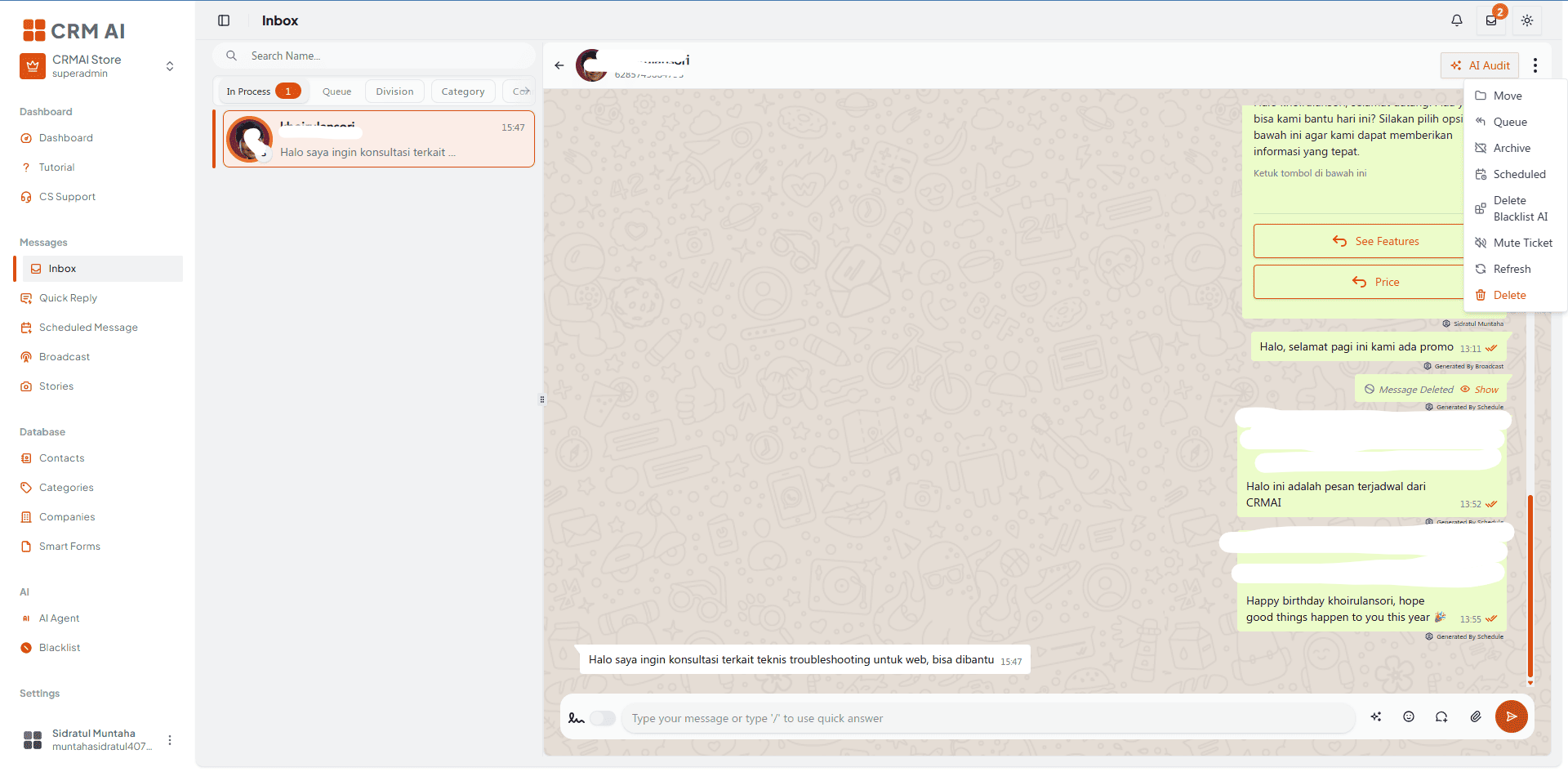
The Shared Inbox is the operator workspace for handling customer conversations and tickets across connected channels. It brings tickets, customer context, assignment, replies, and operational actions into one interface.
Access
Dashboard:
/{locale}/dashboard/kotak-pesanRelated chat route:
/{locale}/dashboard/chat/{id}
Main areas
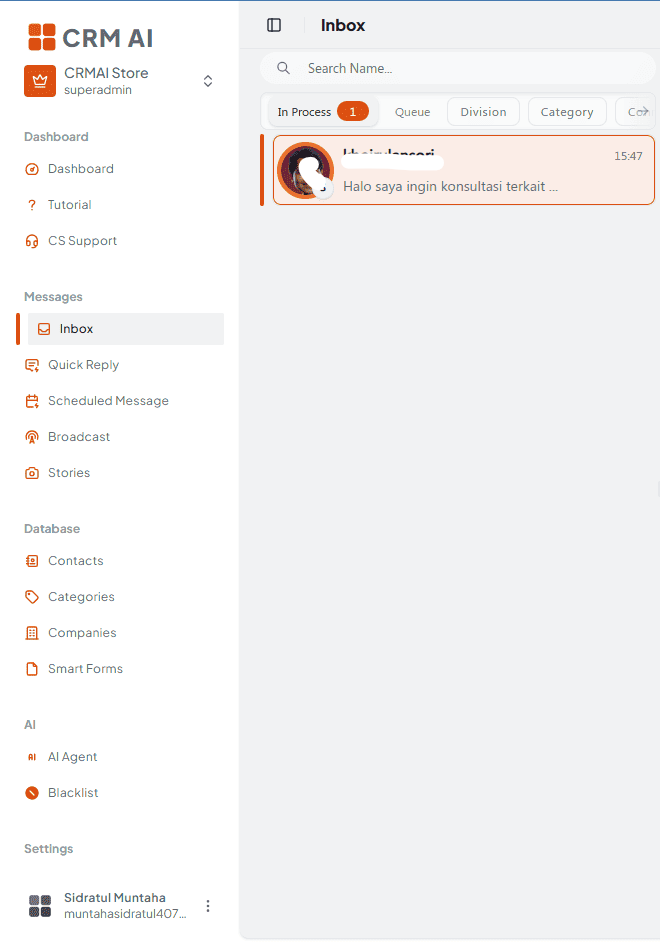
Ticket/conversation list.
Search and filtering controls.
Conversation history.
Customer profile and identity context.
Assignment/division controls.
Message composer.
Attachments and media actions.
Quick Reply insertion.
Interactive message tools when supported.
Ticket actions such as status, assignment, history, and AI-related actions.
Recommended operator workflow
Open Inbox.
Select a ticket from the list.
Review the customer identity and conversation history.
Check the assigned user, division, queue, and ticket state.
Read the latest customer message.
Reply using typed text, Quick Reply, media, or an interactive message where appropriate.
Confirm the correct sending connection.
Update the ticket or assignment when needed.
Add internal operational context only through the controls intended for internal use.
Close or resolve the ticket according to the workspace process.

Customer context
The conversation area can resolve the customer and channel connection associated with the ticket. Verify the displayed identity before replying, especially when a customer has multiple channel identities.
AI and ticket actions
Inbox ticket actions include AI Audit and AI Blacklist actions when enabled — see the dedicated AI Audit and AI Blacklist pages.
Message safety
Confirm the recipient identity before sending.
Avoid pasting credentials or sensitive internal data into customer replies.
Use the correct connection and division.
Review interactive messages before sending.
Check whether AI is paused or blacklisted for the conversation.
The composer isn't available for every ticket state. In the current implementation, closed and pending tickets may not accept a reply until the ticket is moved to an actionable state. Video files aren't supported by the current chat dropzone — use the media types accepted by your deployment instead.
Related: AI Audit · AI Blacklist · Quick Reply · Interactive Message