 CRMAI Docs
AI Audit
Purpose
AI Audit deeply analyzes the quality of conversations between customers and CS/AI, using artificial intelligence to score and summarize the interaction.
Access
Use from Shared Inbox:
/{locale}/dashboard/kotak-pesan
How to run an AI Audit
Open a customer chat in the Shared Inbox.
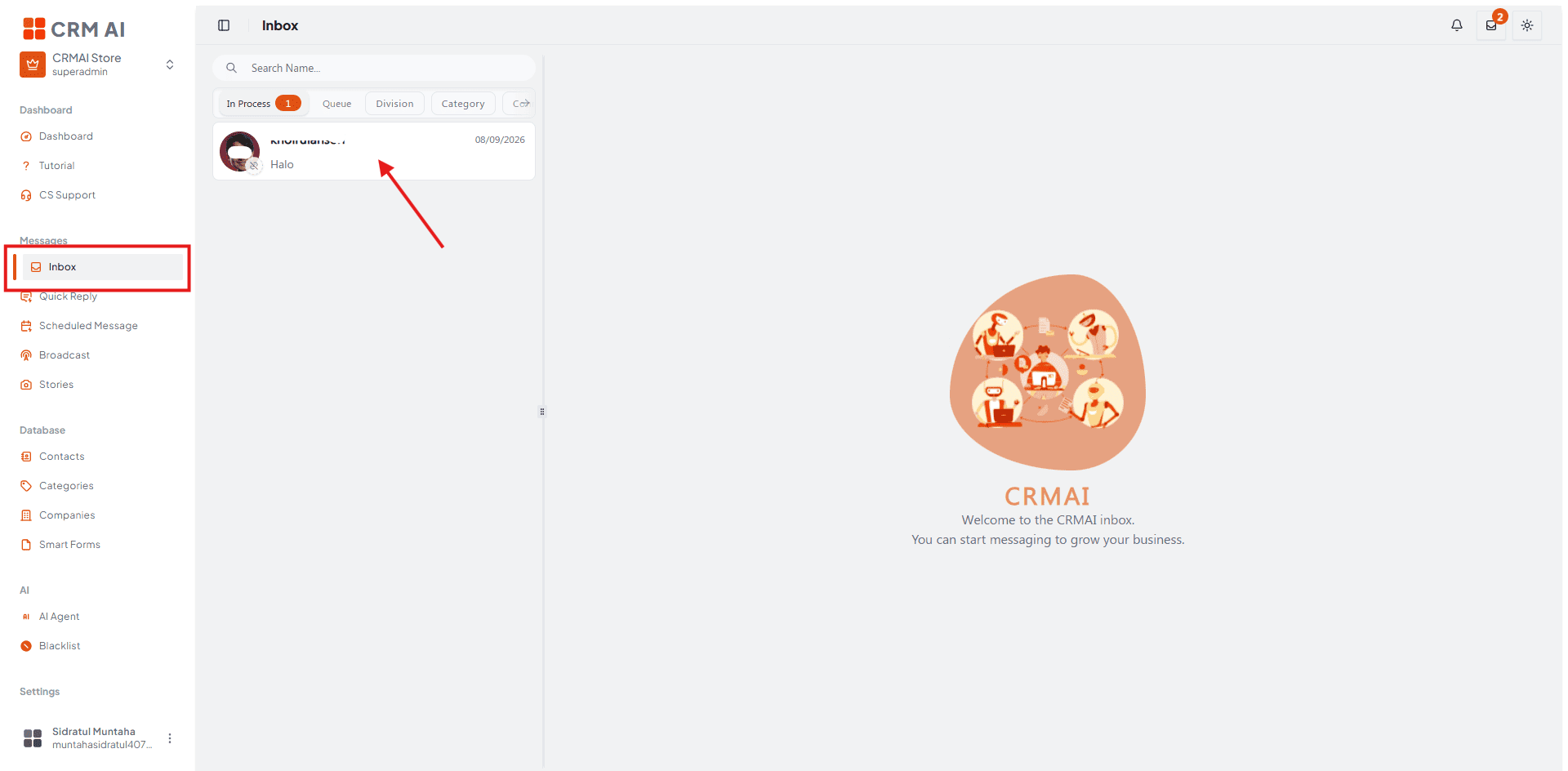
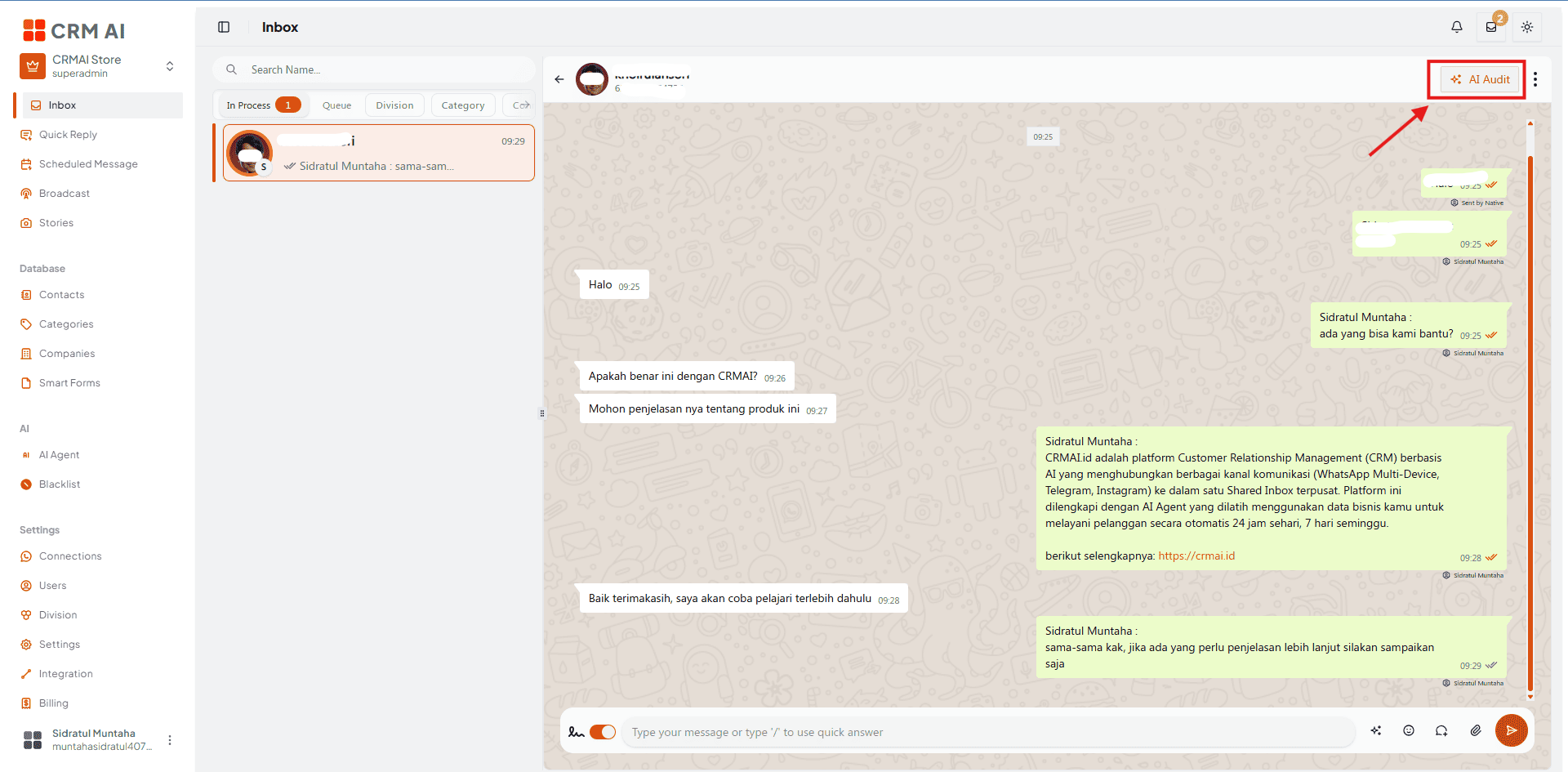
Click the three-dot options icon in the top right corner of the chat ➡️ select AI Audit.
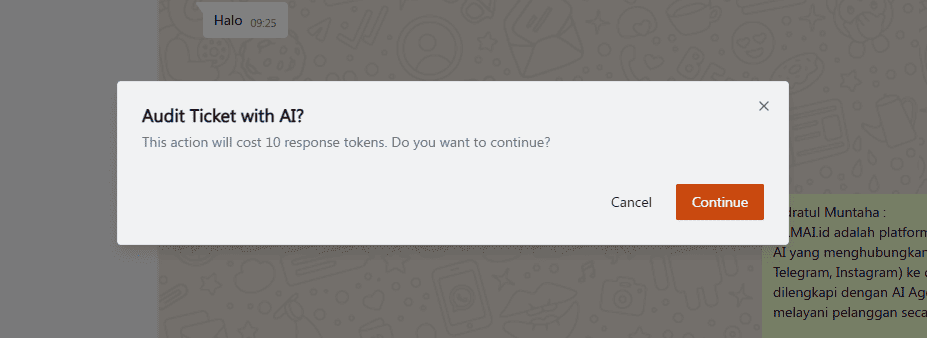
Confirm the pop-up — the system will inform you that this action consumes 10 Response Tokens.
Click Continue Audit.
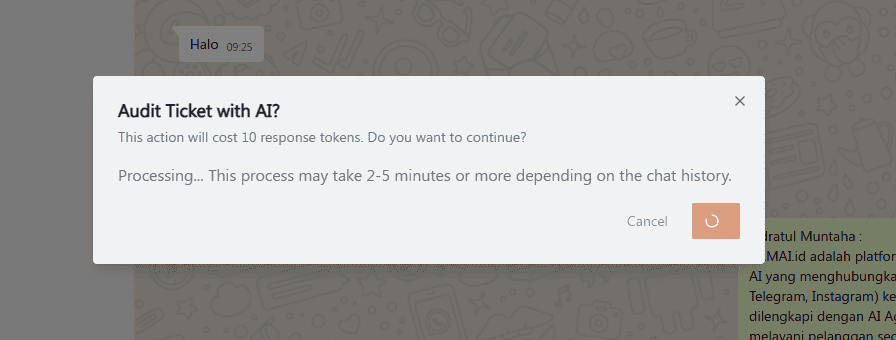
Processing takes 2 to 5 minutes.
Audit report
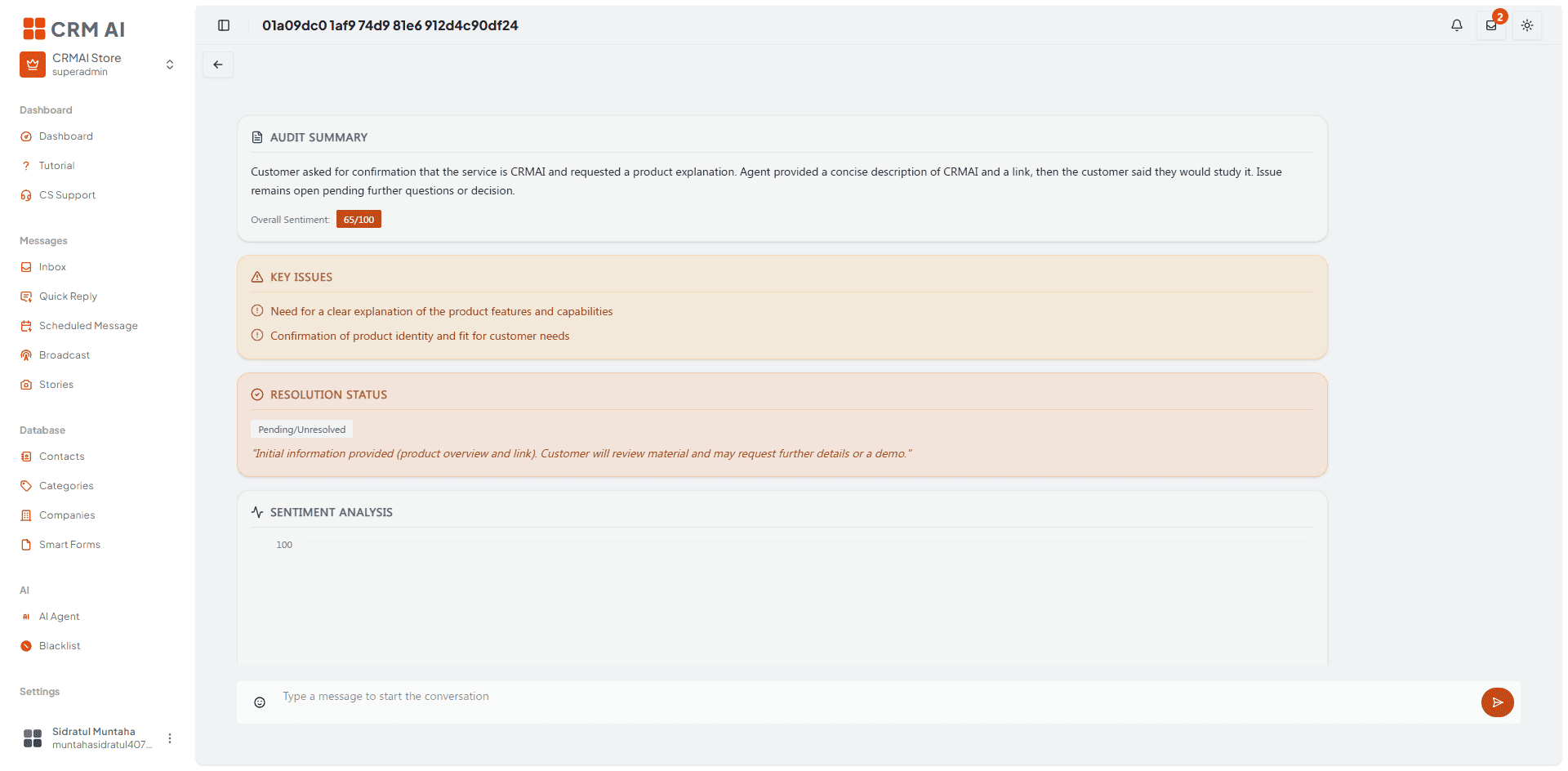
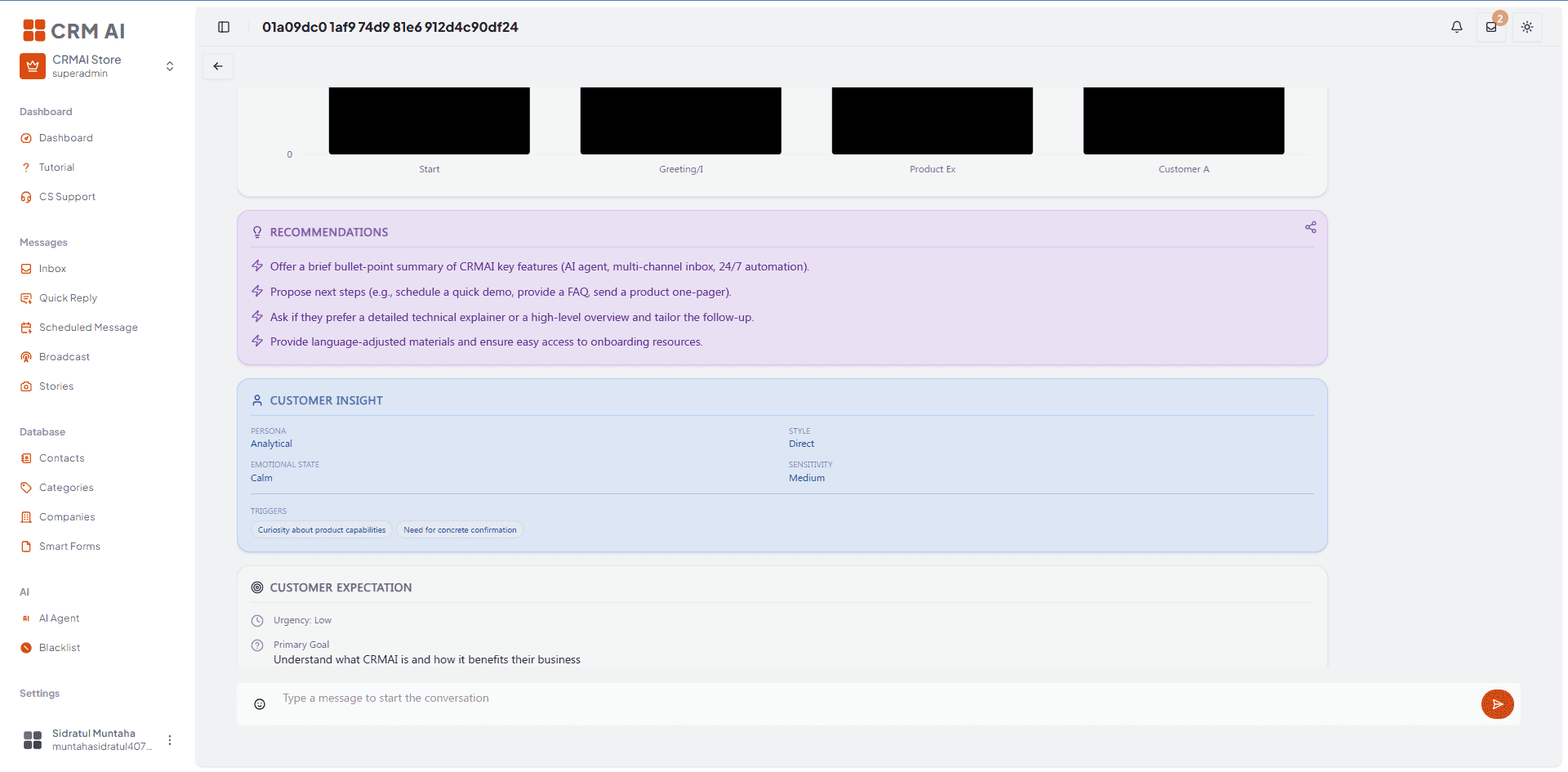
Once processing is complete, the report displays:
Conversation Summary — a brief overview of the chat points.
Overall Sentiment Score — a satisfaction score from 0–100.
Key Issues — problems raised by the customer.
Service Quality Bars:
Clarity
Empathy
Responsiveness
Accuracy
Problem Solving
Action Recommendations — suggested improvement steps for the CS team.
Processing and interpretation
AI Audit is asynchronous — the 2–5 minute duration is an estimate, not a guaranteed service-level agreement. Treat the result as an operational review aid, not an automatic replacement for a supervisor's judgment.
Use the recommendations to coach operators, identify recurring service problems, and improve division or AI behavior. Review the source conversation before taking disciplinary or customer-impacting action.
Troubleshooting
If Audit AI is unavailable, confirm the ticket is eligible and the workspace has sufficient response tokens (10 tokens per audit).
If processing remains incomplete after 5+ minutes, refresh the ticket and check the audit state again.
If the result looks incomplete, compare it with the full ticket history.