 CRMAI Docs
Registration
Registration creates a CRMAI user account. After registering, you'll be asked to check your email for verification. Registration doesn't create a paid workspace by itself — that happens later, during onboarding and the plan selection flow once your account is active.
Opening the registration page
Go to
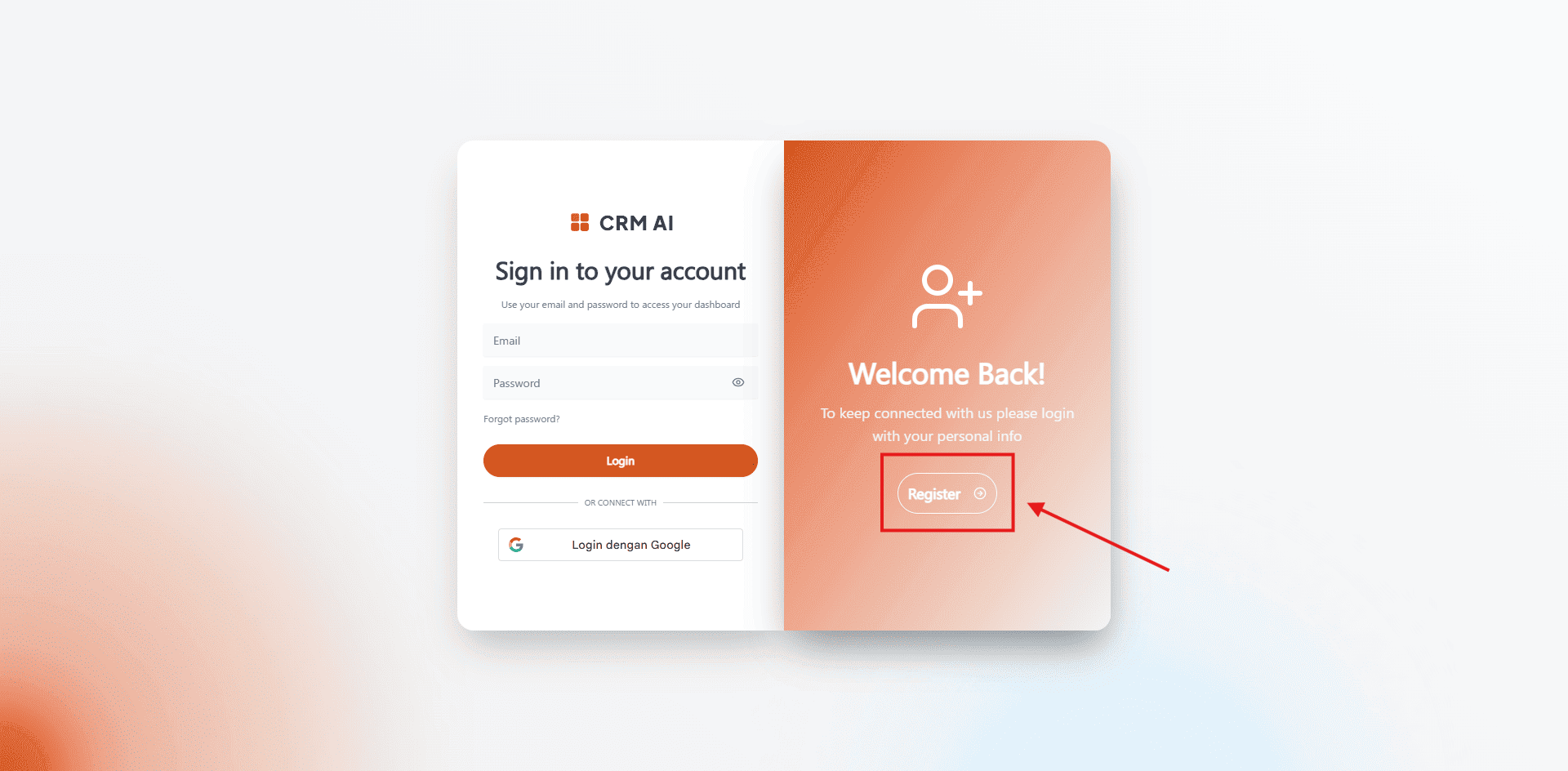
/{locale}/login.Select Register.
On desktop, the registration form appears on the right side of the authentication card. On mobile, switch from Login to Register using the link below the form.
Filling out the form
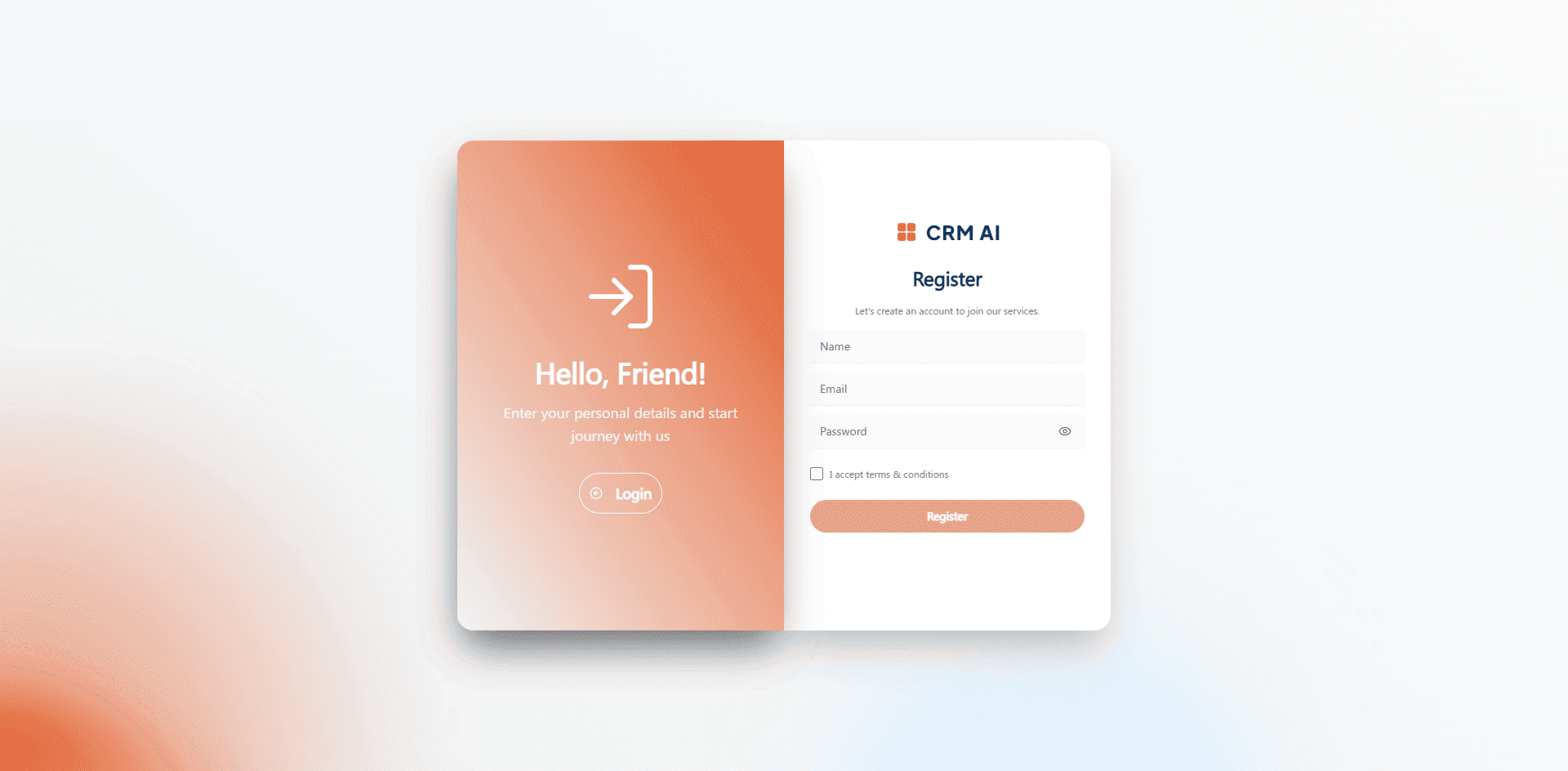
Field | Enter |
|---|---|
Name | Your display name in CRMAI. |
An active email address — used for the account and the verification flow. | |
Password | The password for this account. |
Accepting the terms and conditions
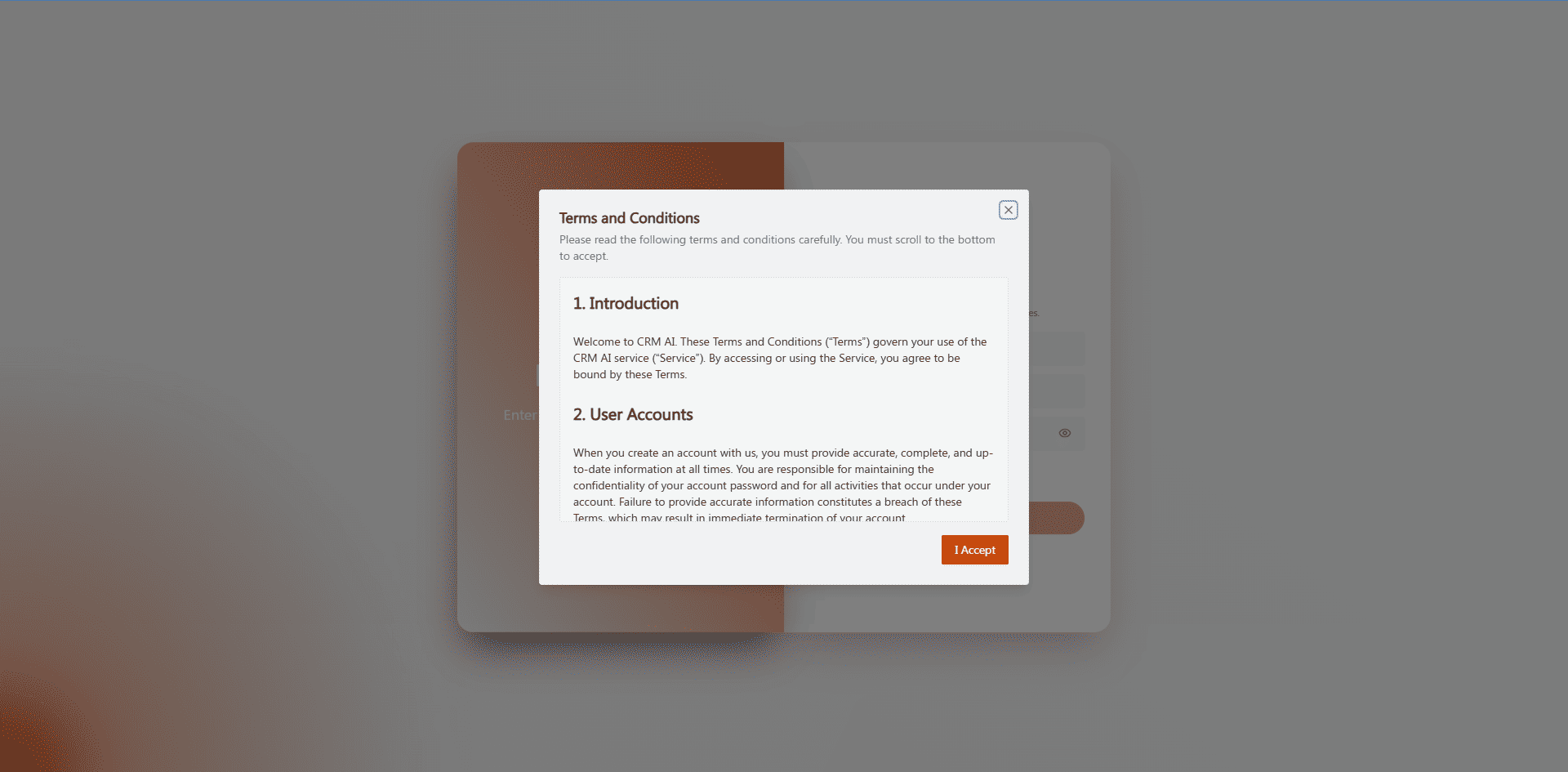
Check I accept terms & conditions.
Read through the Terms and Conditions dialog that opens. If the dialog requires scrolling to the bottom, do that first.
Click I Accept.
The Register button only becomes active once you've accepted the terms.
Submitting registration
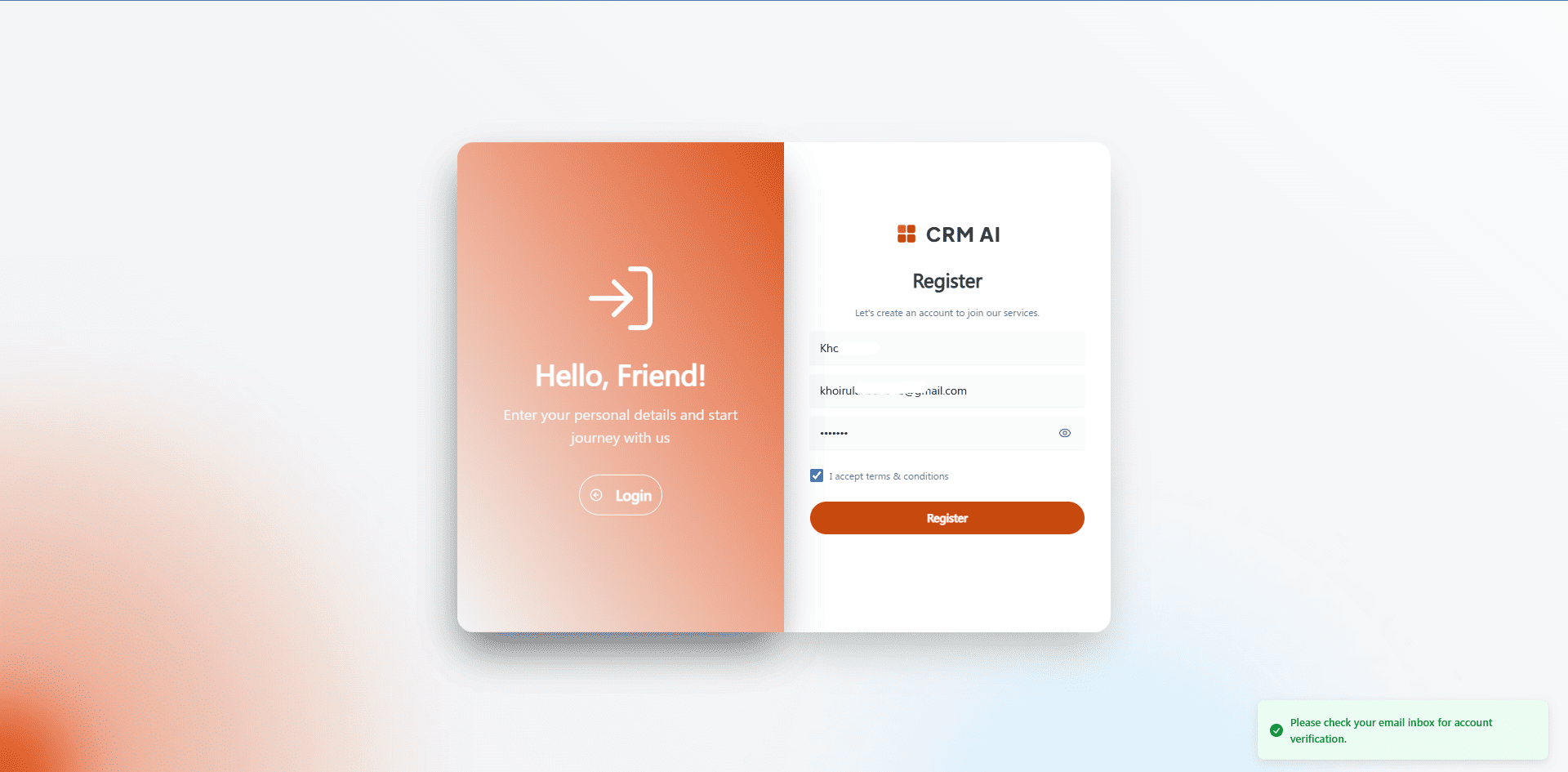
Make sure your name, email, and password are filled in, and the terms are accepted.
Click Register (or press Enter while focused in the password field).
Wait for the process to finish.
Check your email for the verification message.
Once your account is active, go back to Login to sign in.
If registration fails
If something goes wrong, CRMAI shows an error message. The most common case is that the email is already registered. If that happens, don't try registering the same email again — use Login or the password recovery flow on the existing account instead.
Keeping your account secure
Use an email address you actually control.
Don't reuse a password from elsewhere or one that's been exposed before.
Never include your real password in screenshots or support tickets.
Before entering credentials, confirm you're actually on CRMAI's official domain.